
Gateway Requests and Routes
General Request Flow
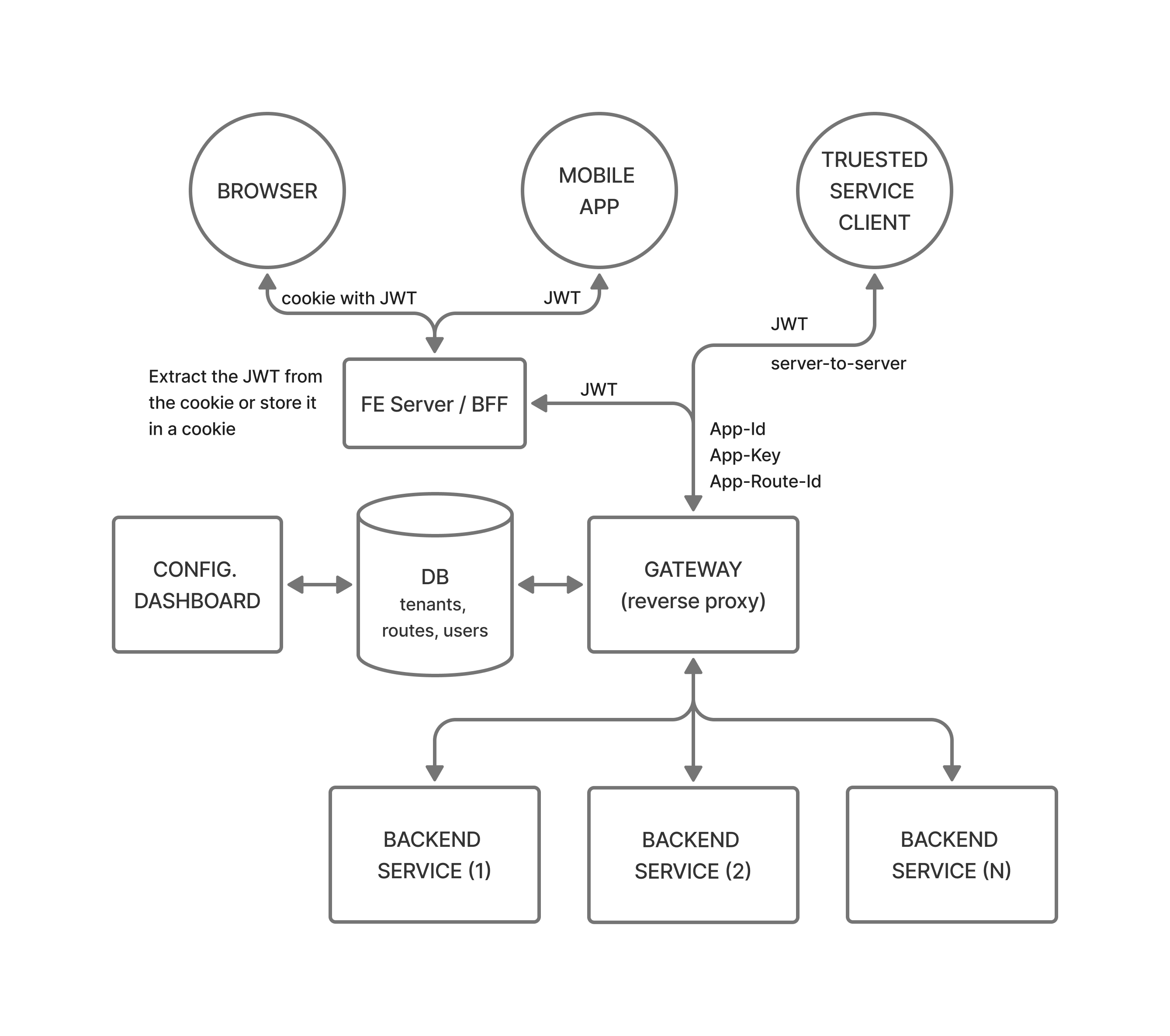
When an HTTP request reaches the Gateway, it must include the App-Id, App-Key, and App-Route-Id HTTP headers.
The Gateway first validates the application by querying the database for a Tenant matching the provided App-Id and App-Key, and ensures that the Tenant configuration is active. It then retrieves the Route identified by the supplied App-Route-Id, ensures that the Route configuration is active, and verifies that the Route belongs to the selected Tenant. Finally, it verifies that the Route's path and HTTP method match those of the incoming request.
Using the configuration stored in the Tenant and Route records in the database, the Gateway determines how the request should be authenticated, authorized, processed, and forwarded to the appropriate backend service.
Requests by Route Type
Each request sent to the Gateway must include the App-Route-Id header, which uniquely identifies a Route stored in the database. The Route defines how the request is authenticated, authorized, and processed.
Therefore, a request is allowed to be processed by the Gateway only if a corresponding Route has been configured and activated through the Configuration Dashboard API.
A Route can be configured with one of the following Route types, and the Route type determines the request type.
Route types:
-
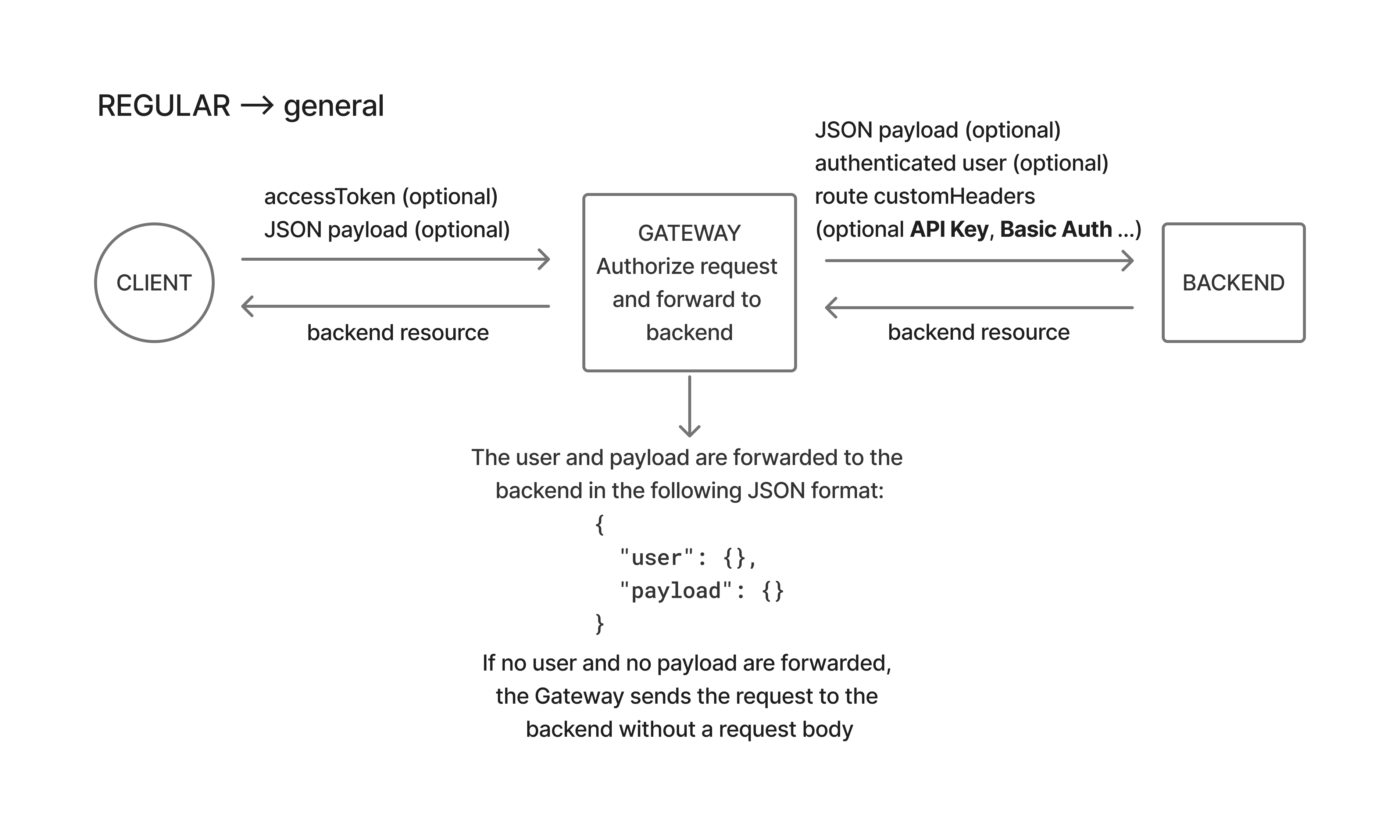
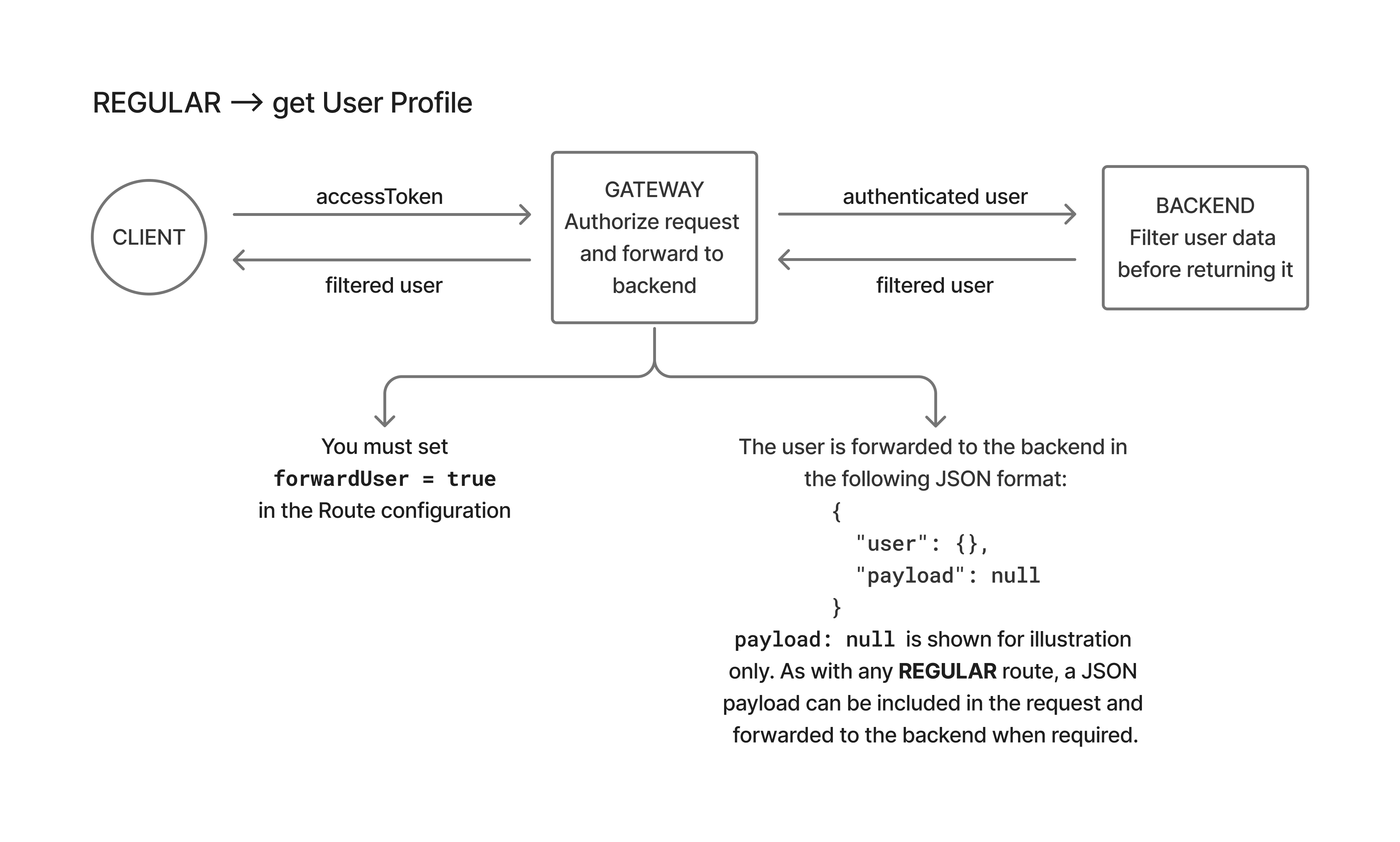
REGULAR→ Authorize the request and forward it to the backend. -
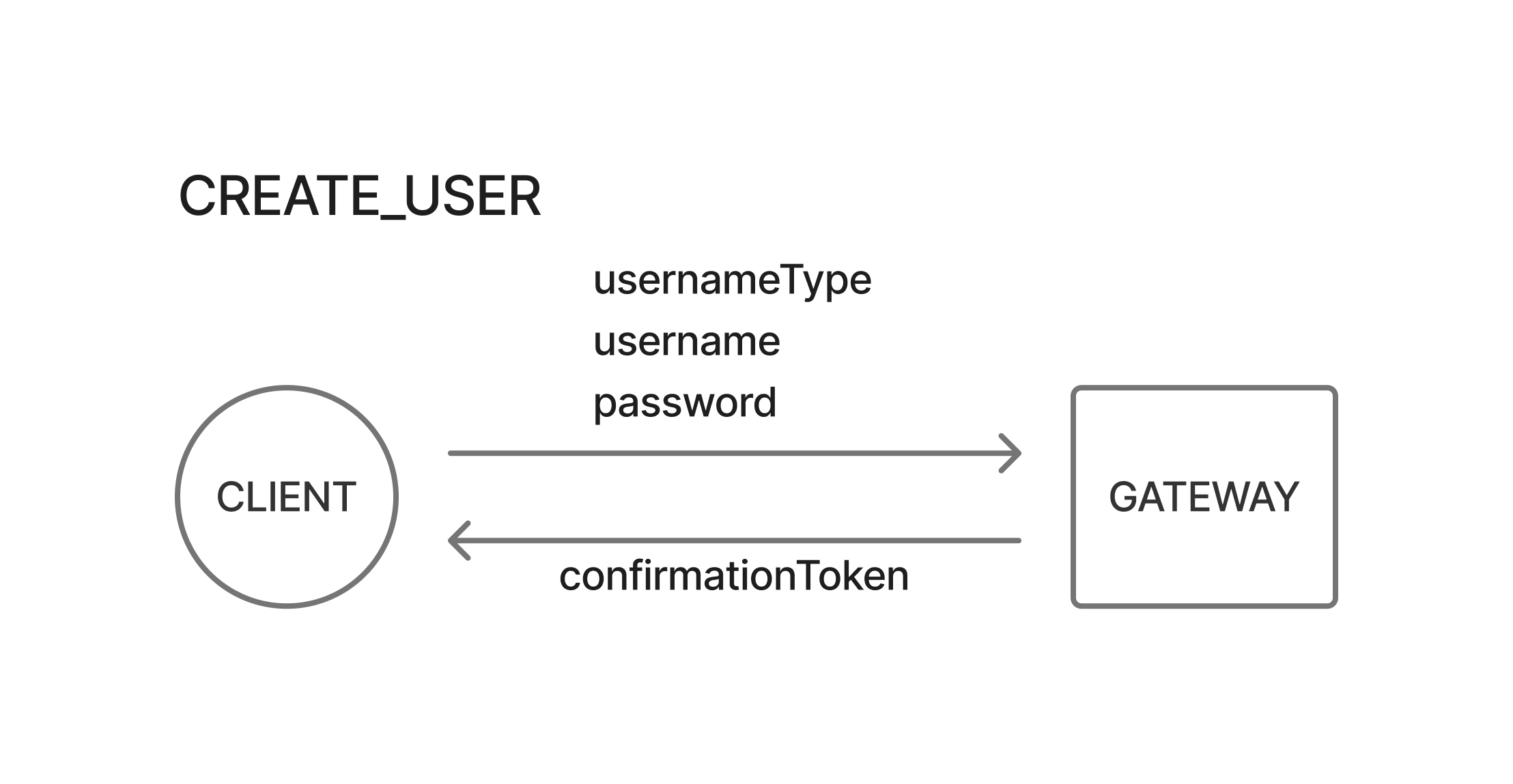
CREATE_USER→ Create a new user account (signup). -
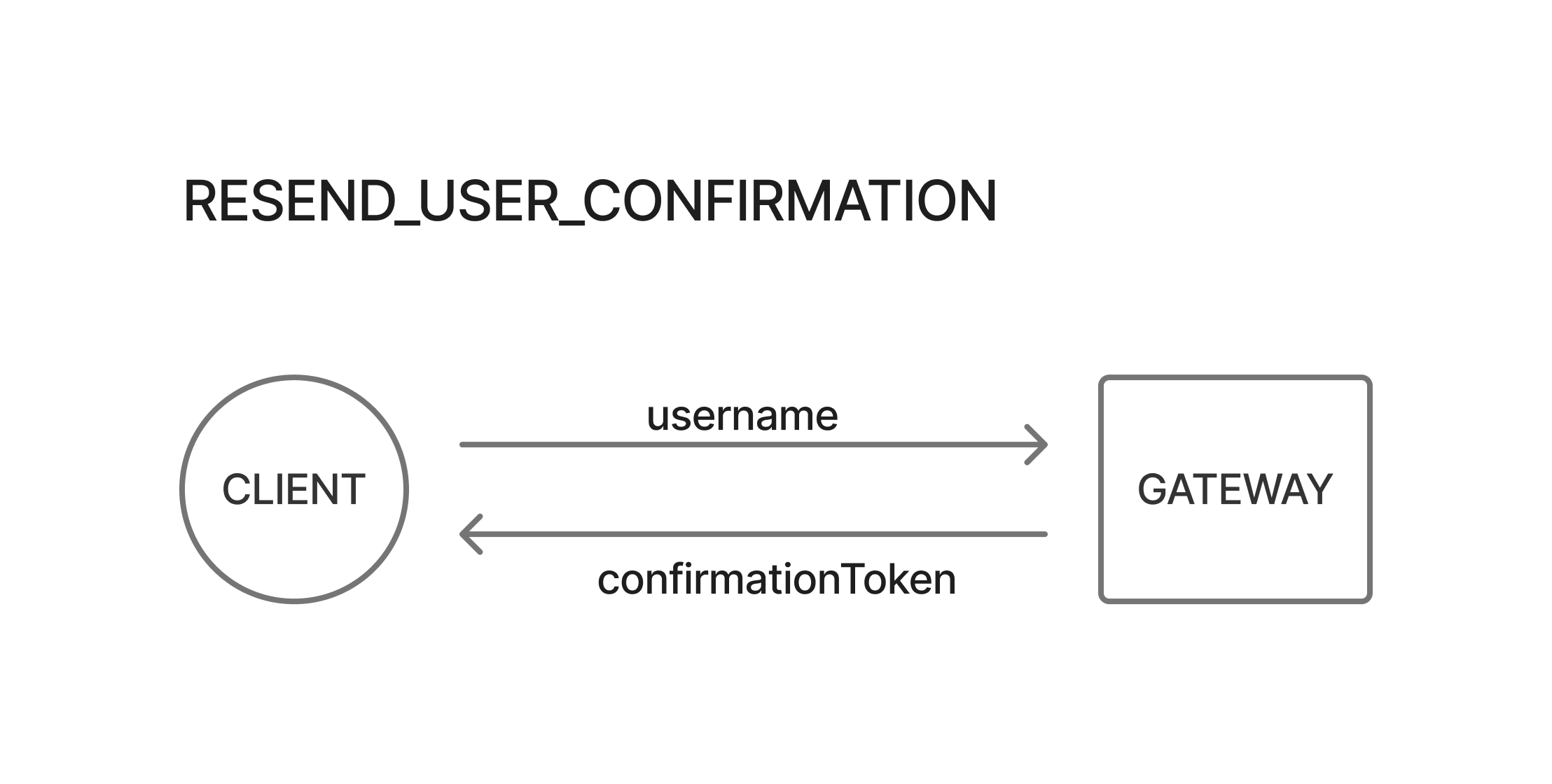
RESEND_USER_CONFIRMATION→ Resend the account confirmation token. -
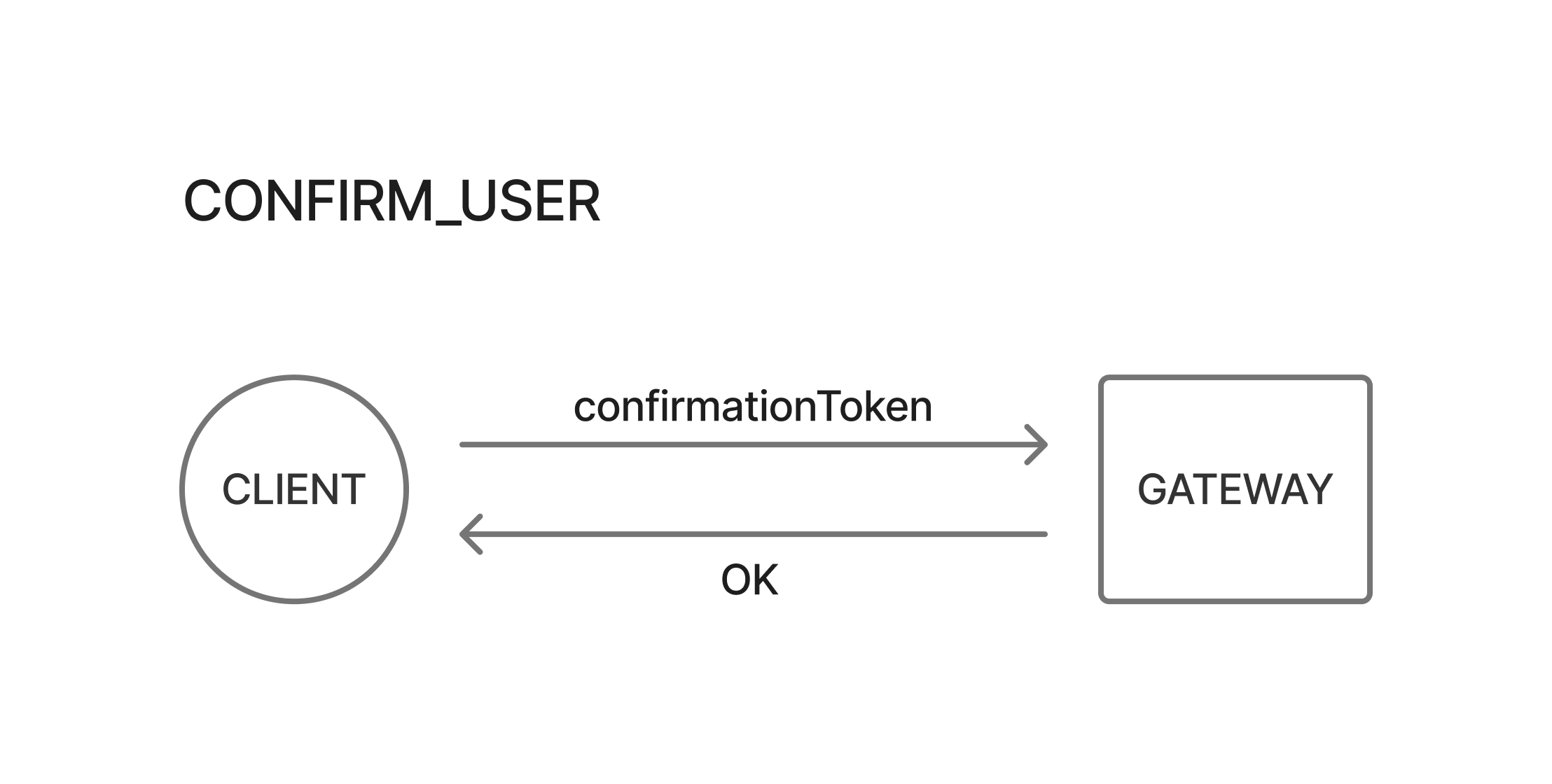
CONFIRM_USER→ Confirm the user account after signup. -
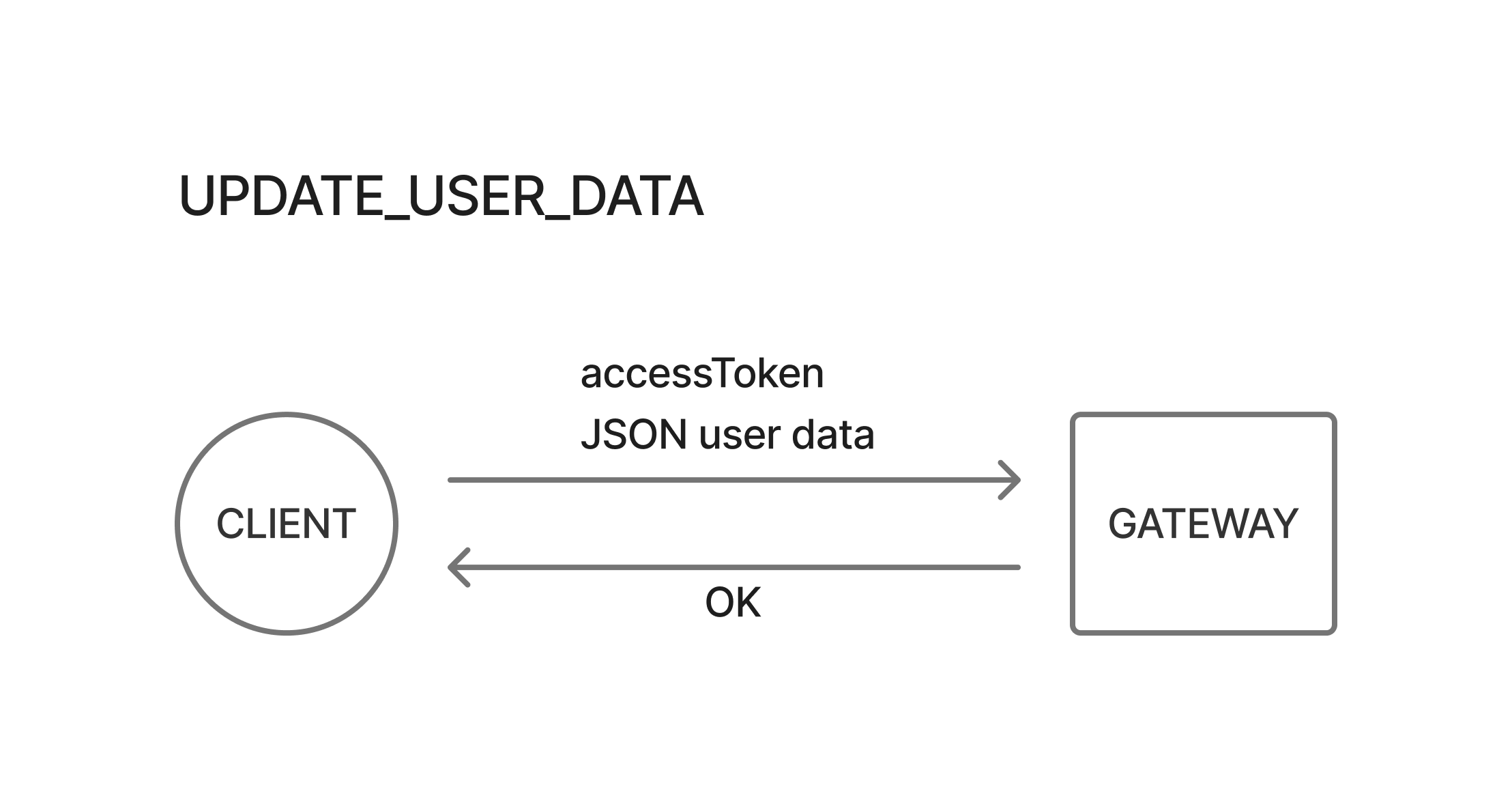
UPDATE_USER_DATA→ Set OR update custom user JSON data. -
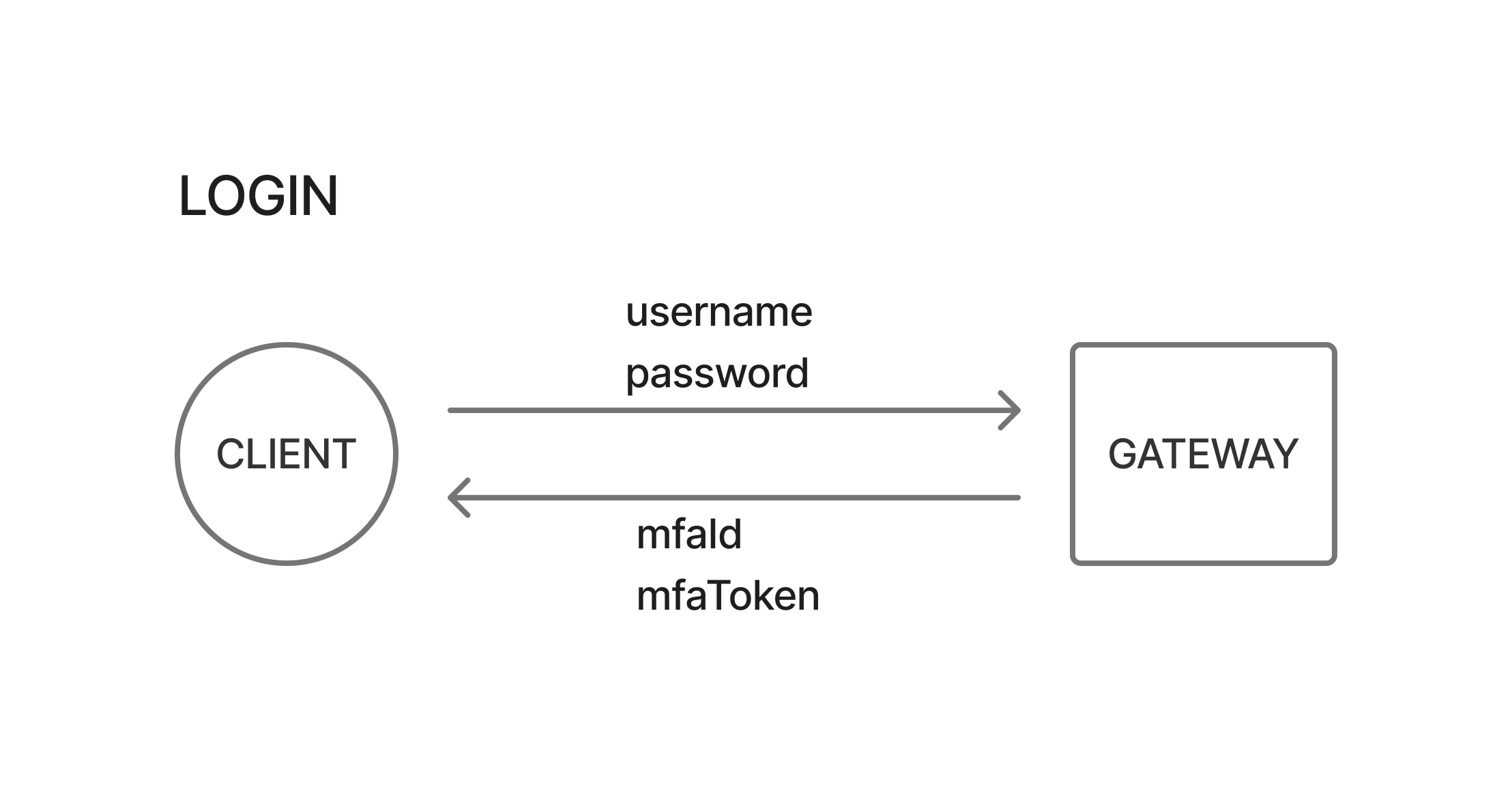
LOGIN→ Authenticate the user with username and password. -
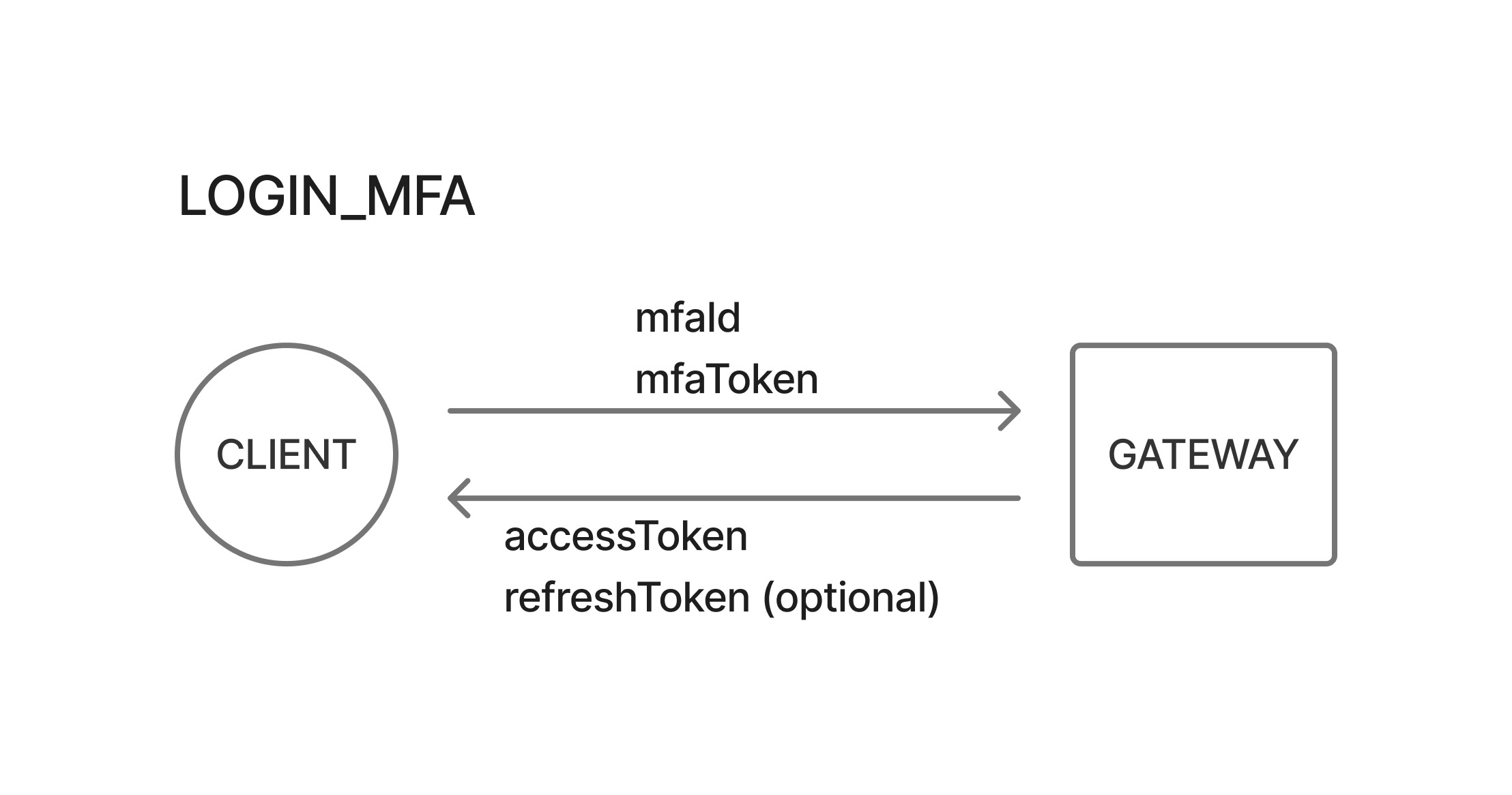
LOGIN_MFA→ Complete the login using the MFA token. -
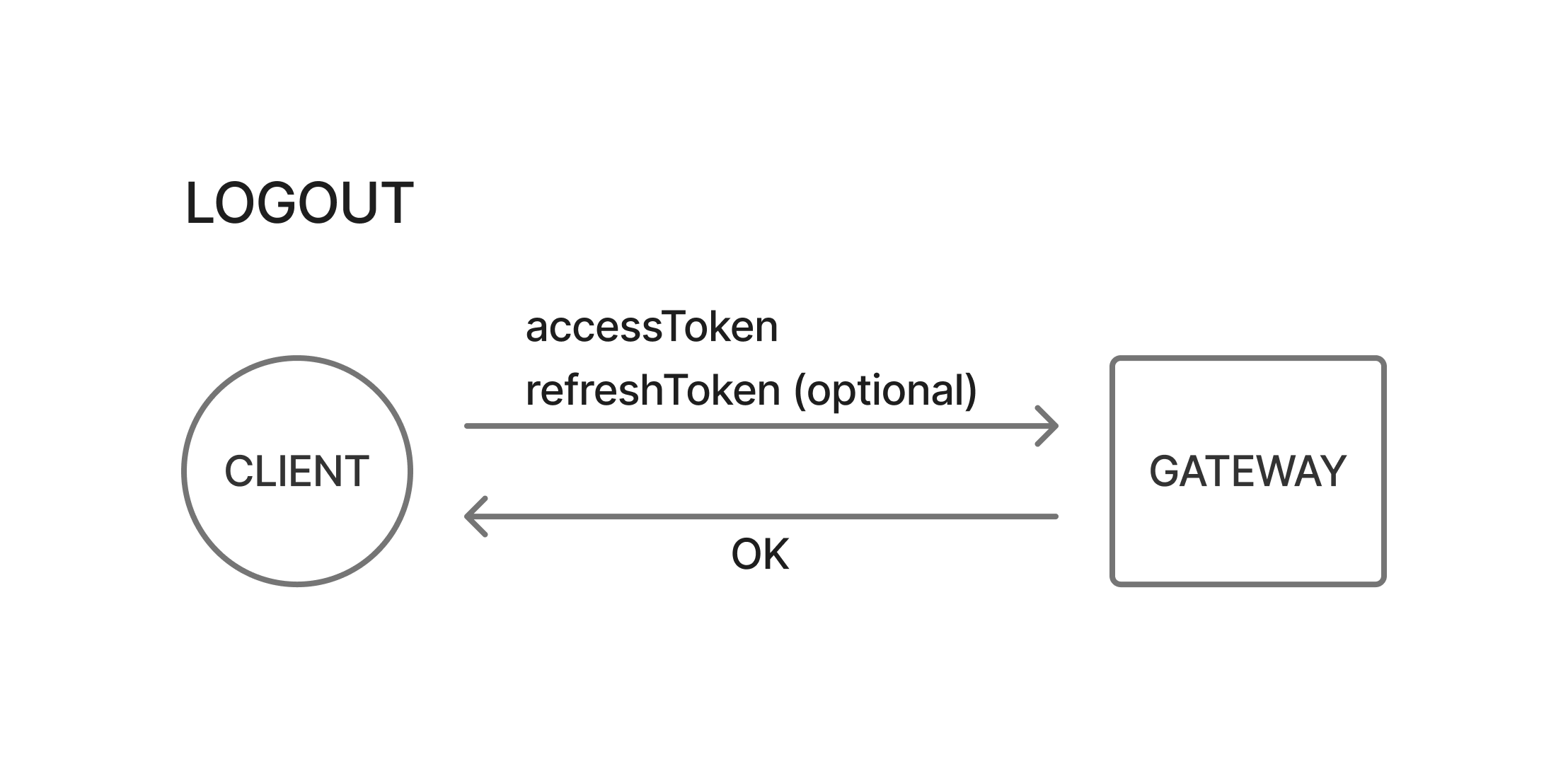
LOGOUT→ Revoke the access token, refresh token, or both. -
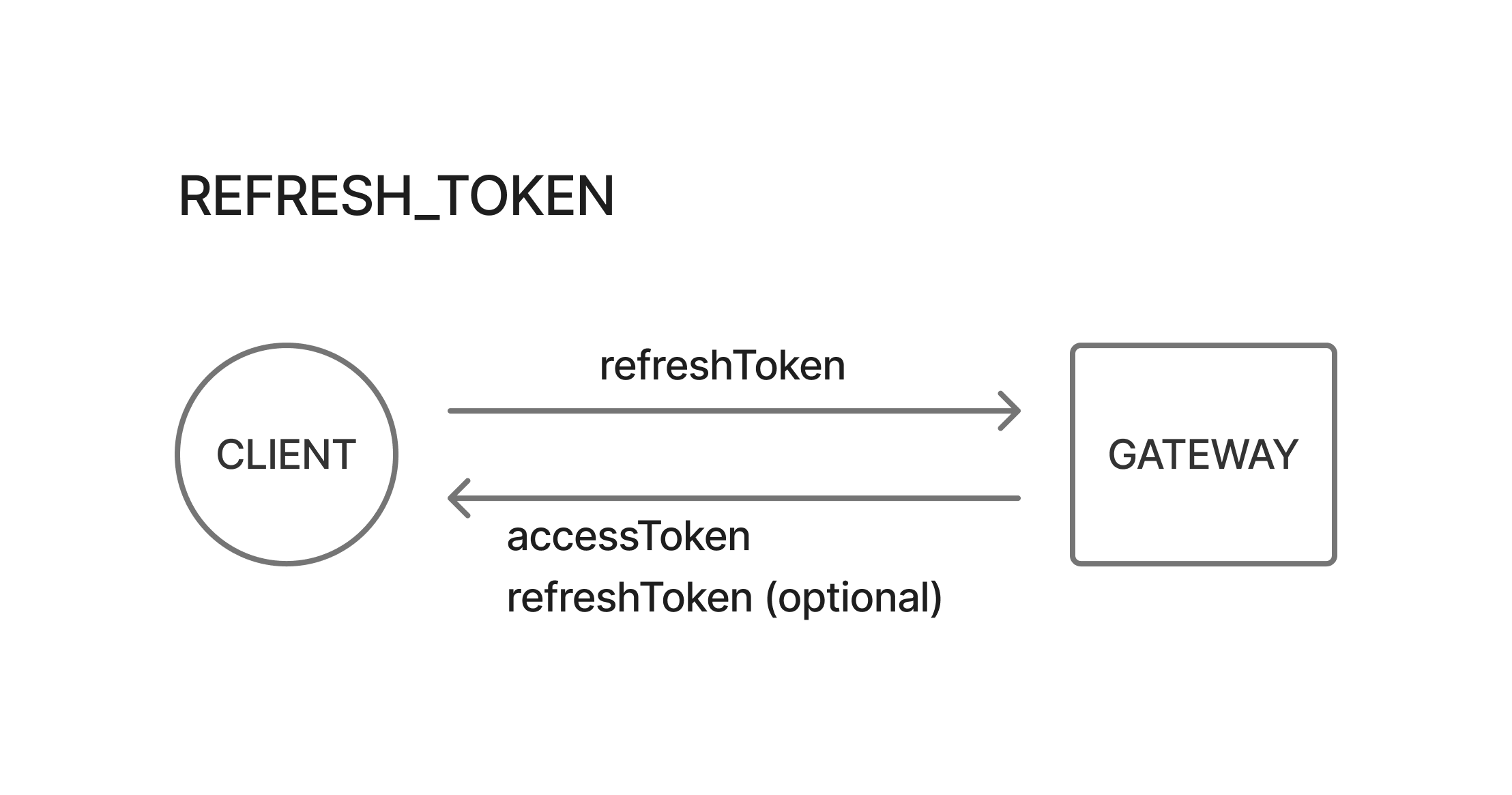
REFRESH_TOKEN→ Refresh the access token and optionally the refresh token. -
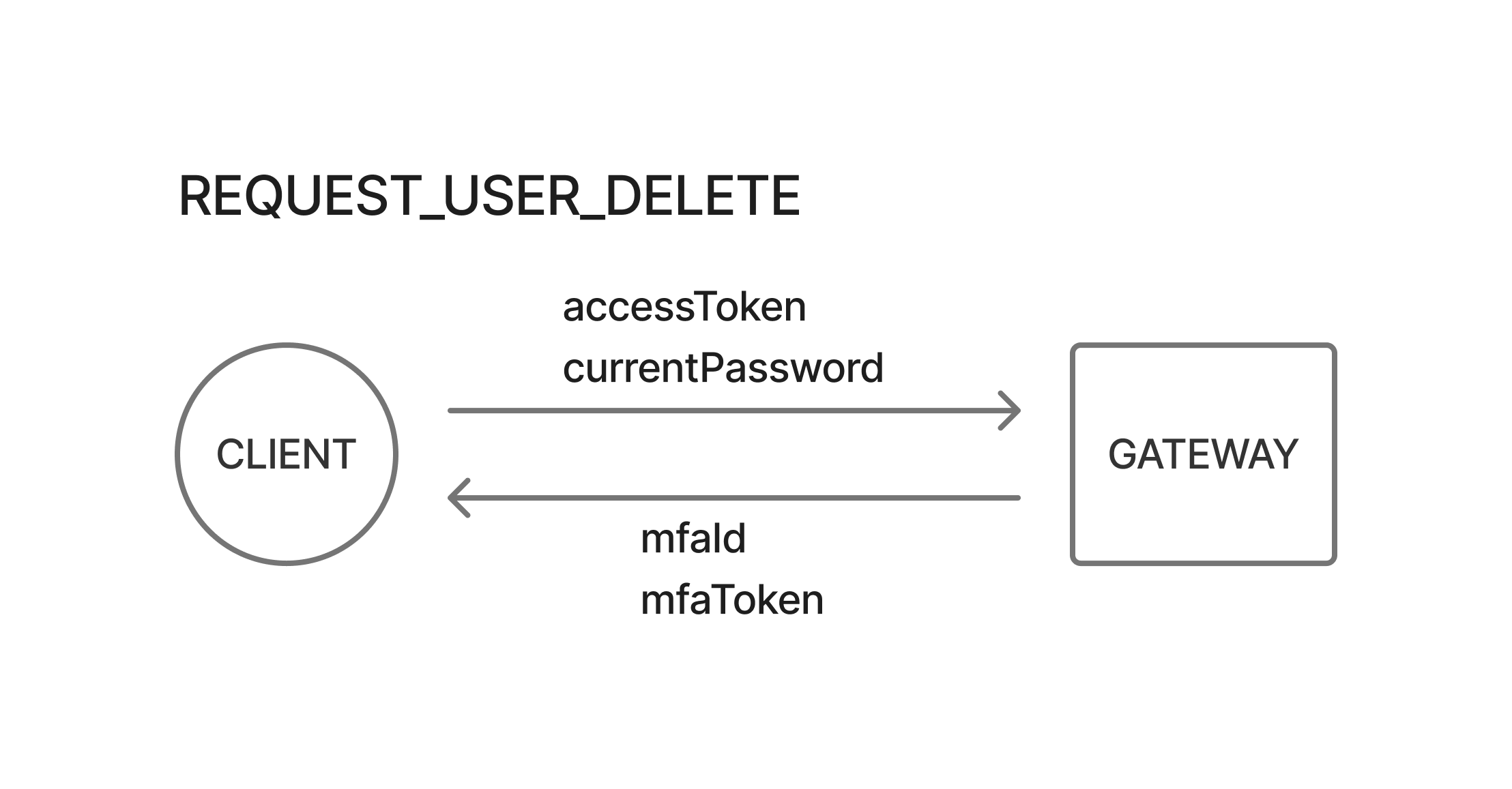
REQUEST_USER_DELETE→ Start the flow to delete a user account. -
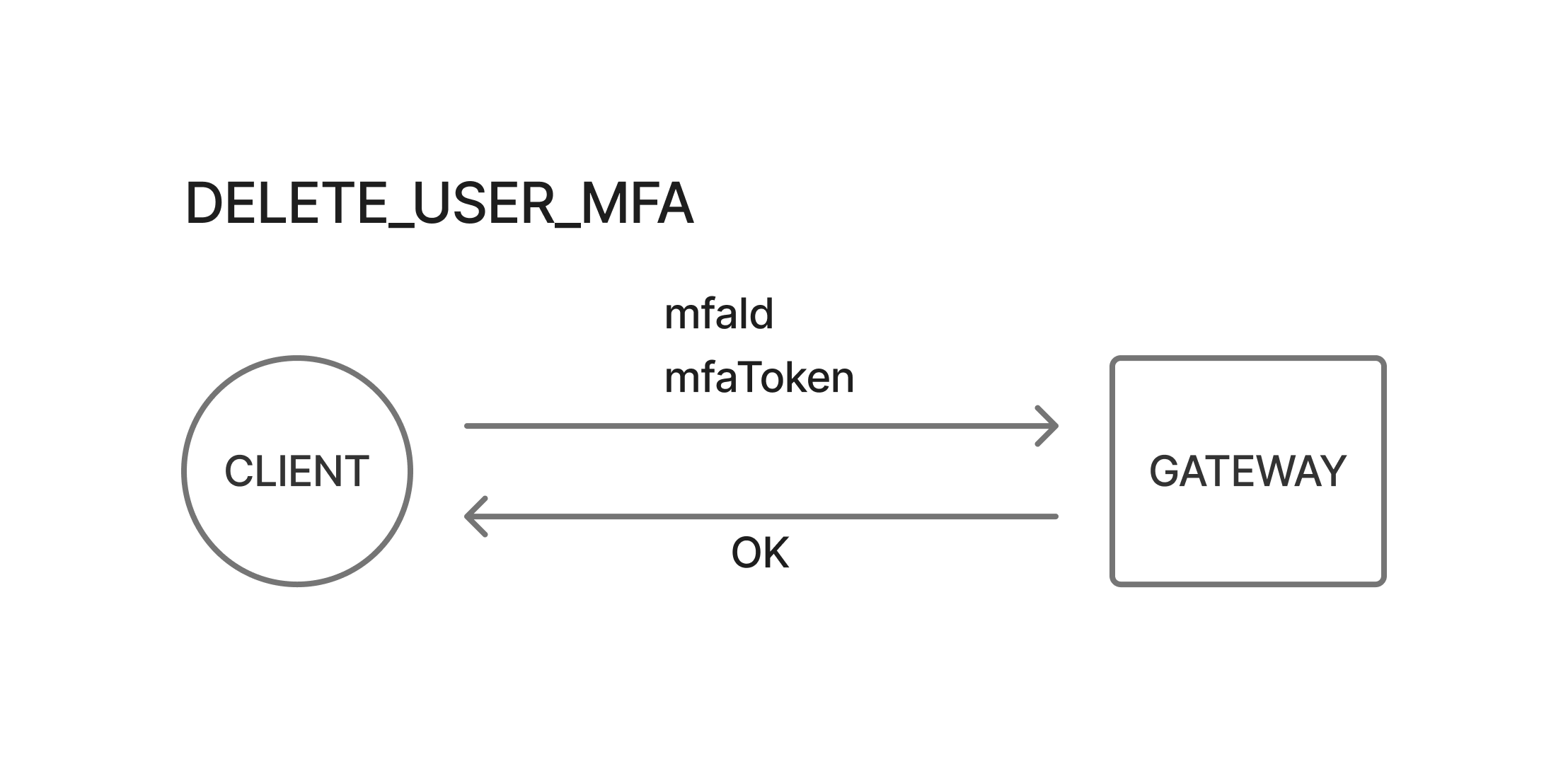
DELETE_USER_MFA→ Delete the user account using the MFA token. -
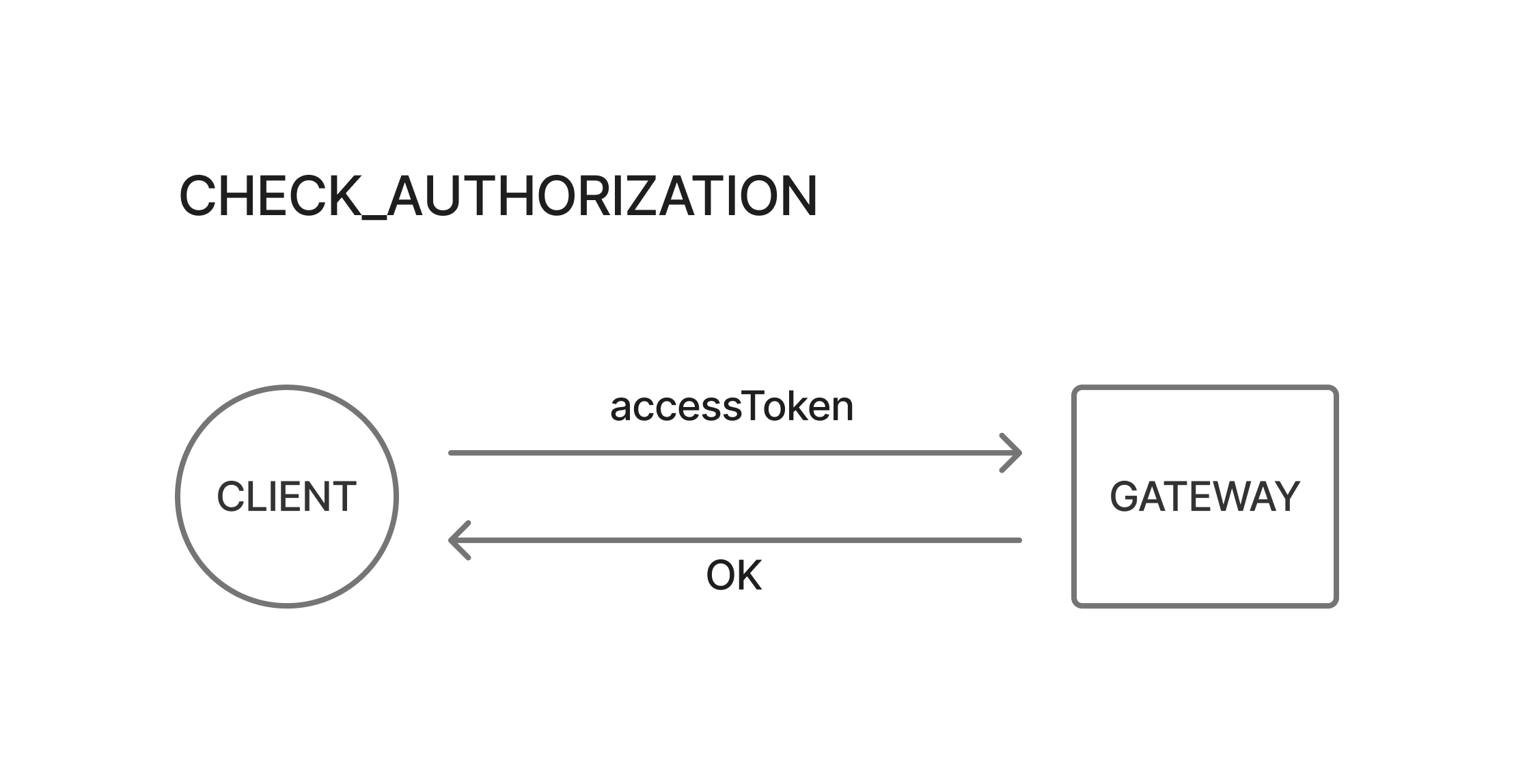
CHECK_AUTHORIZATION→ Check whether an access token is valid and authorized. -
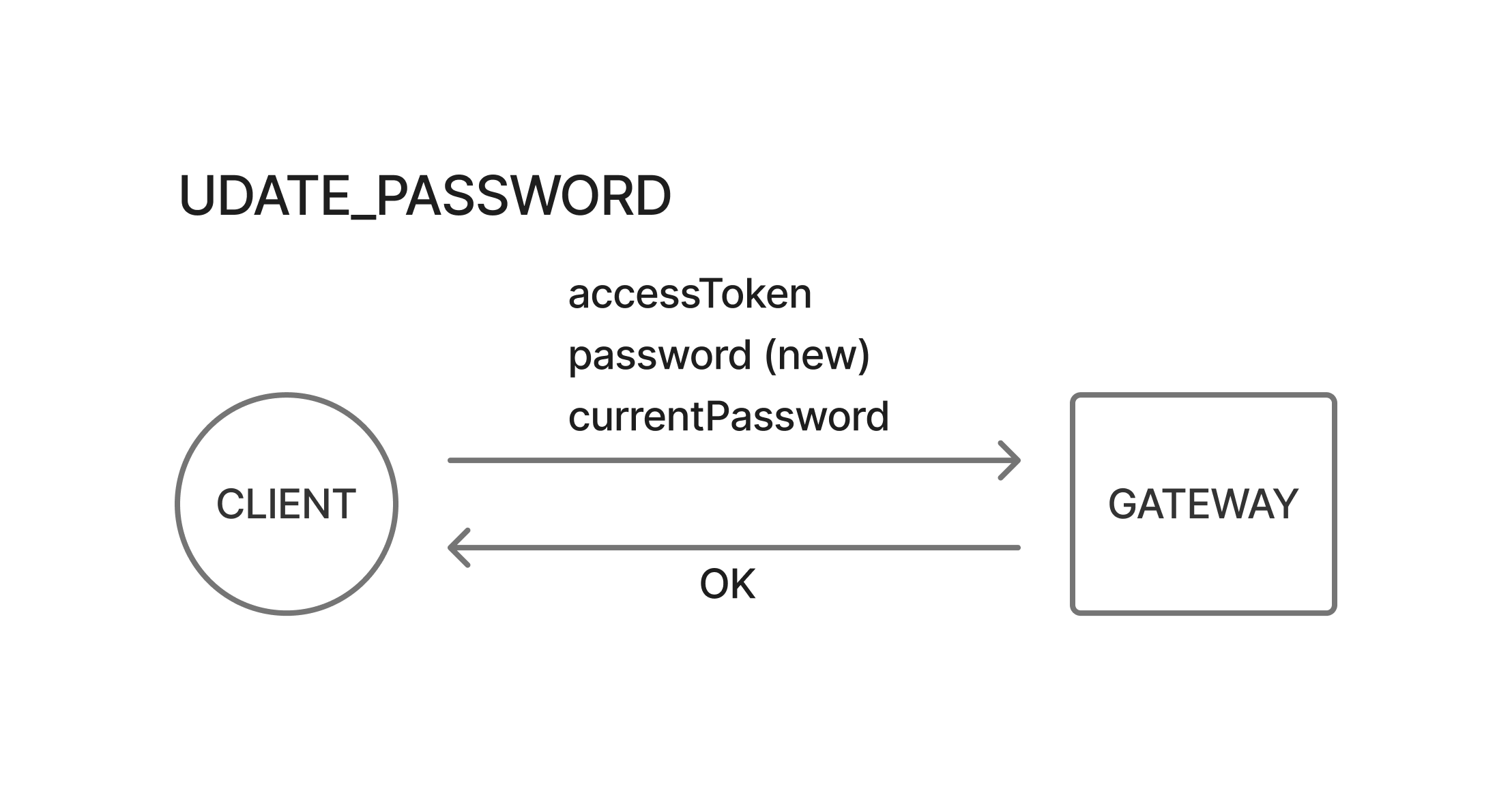
UPDATE_PASSWORD→ Update the user password while the client is authenticated. -
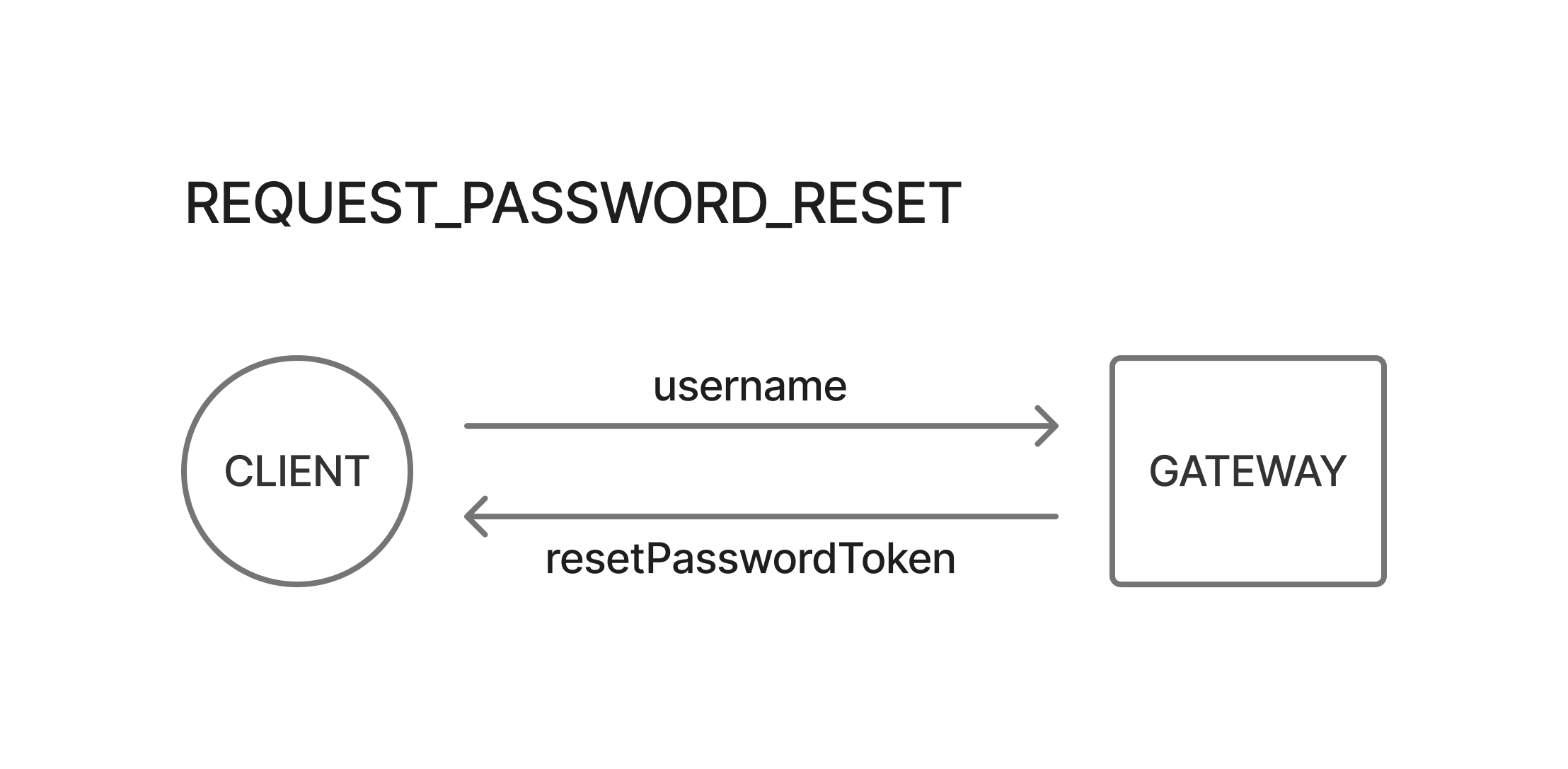
REQUEST_PASSWORD_RESET→ Start the password reset flow. -
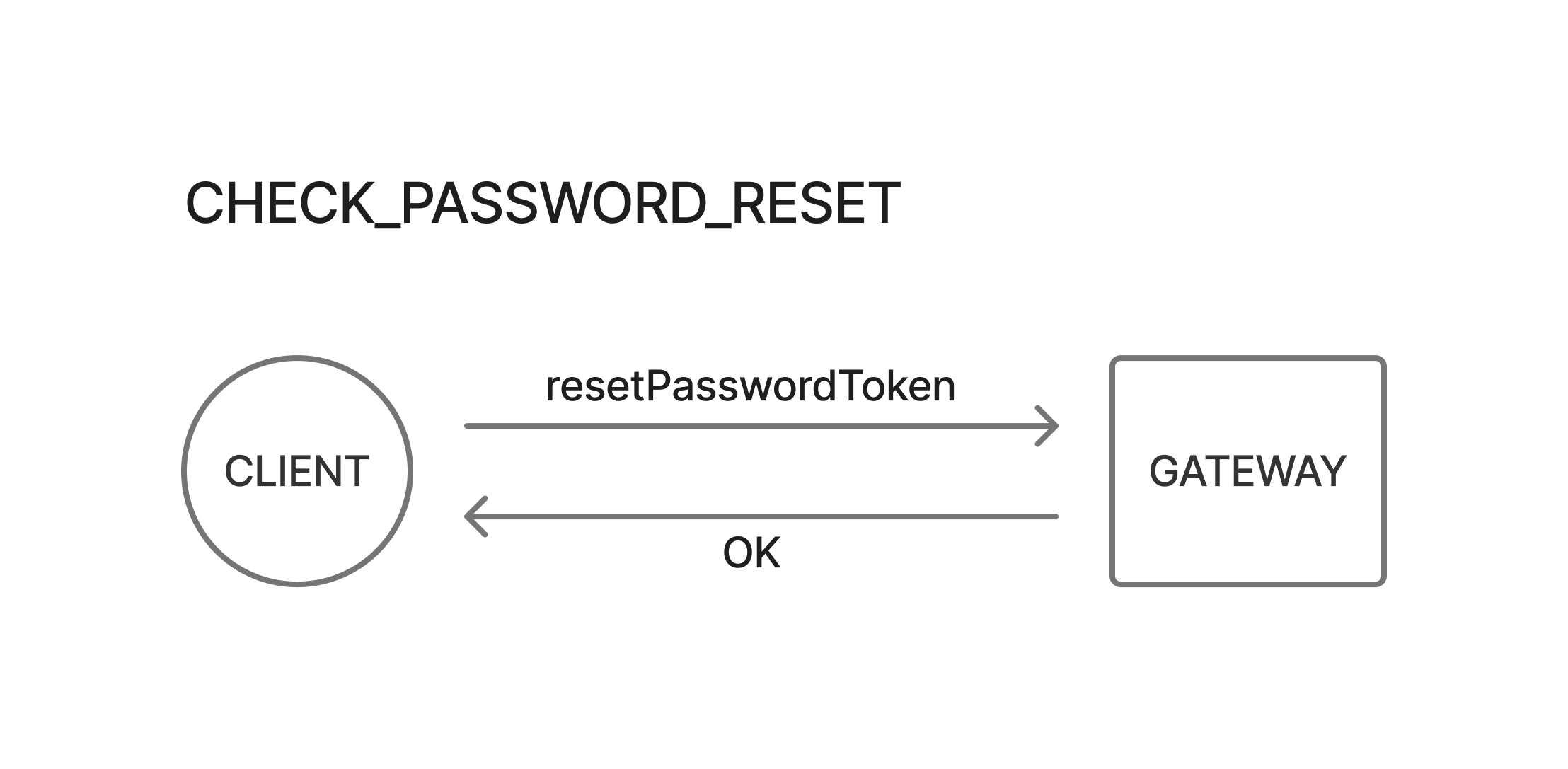
CHECK_PASSWORD_RESET→ Check whether the password reset token is valid. -
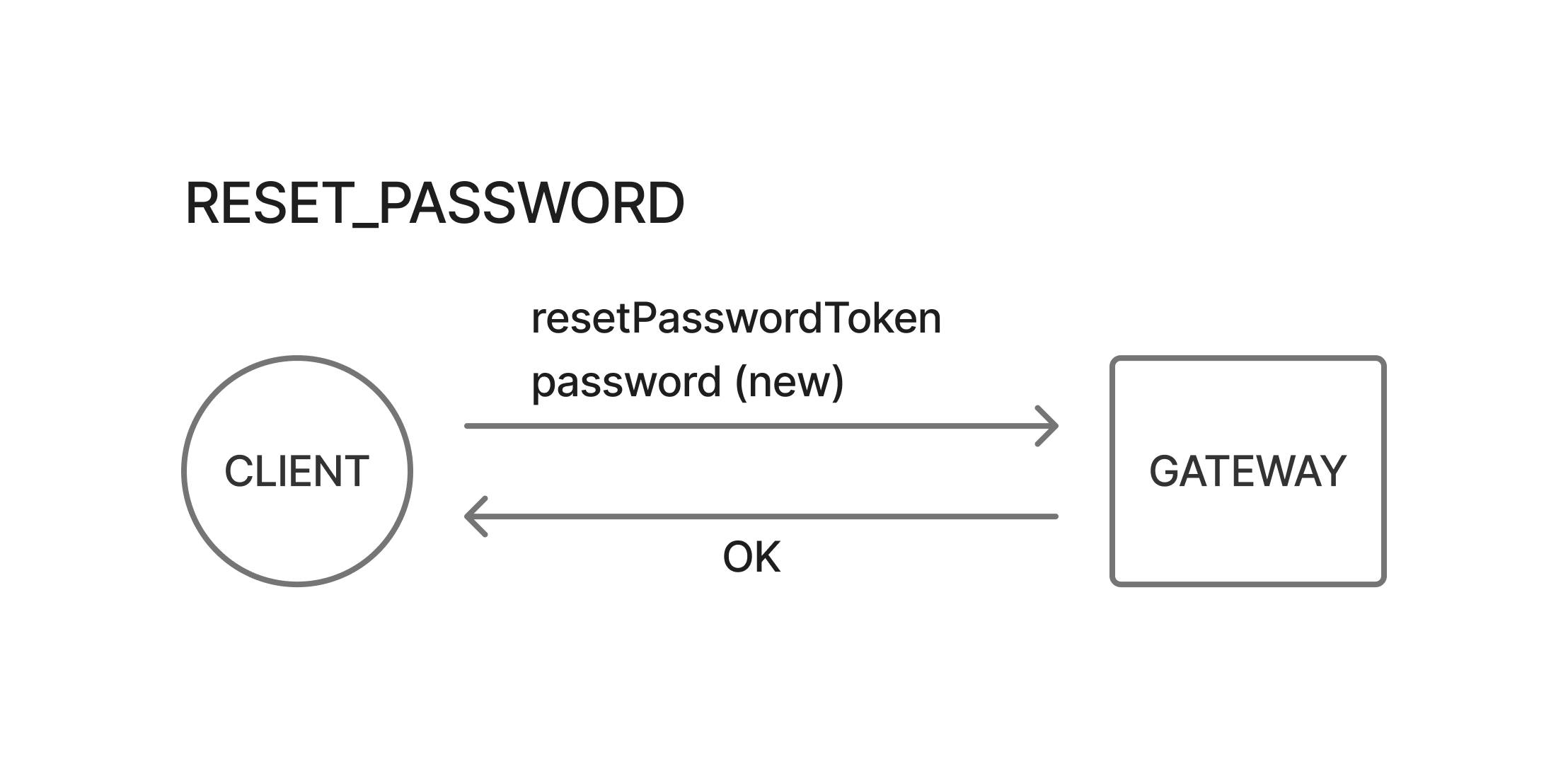
RESET_PASSWORD→ Complete the password reset. -
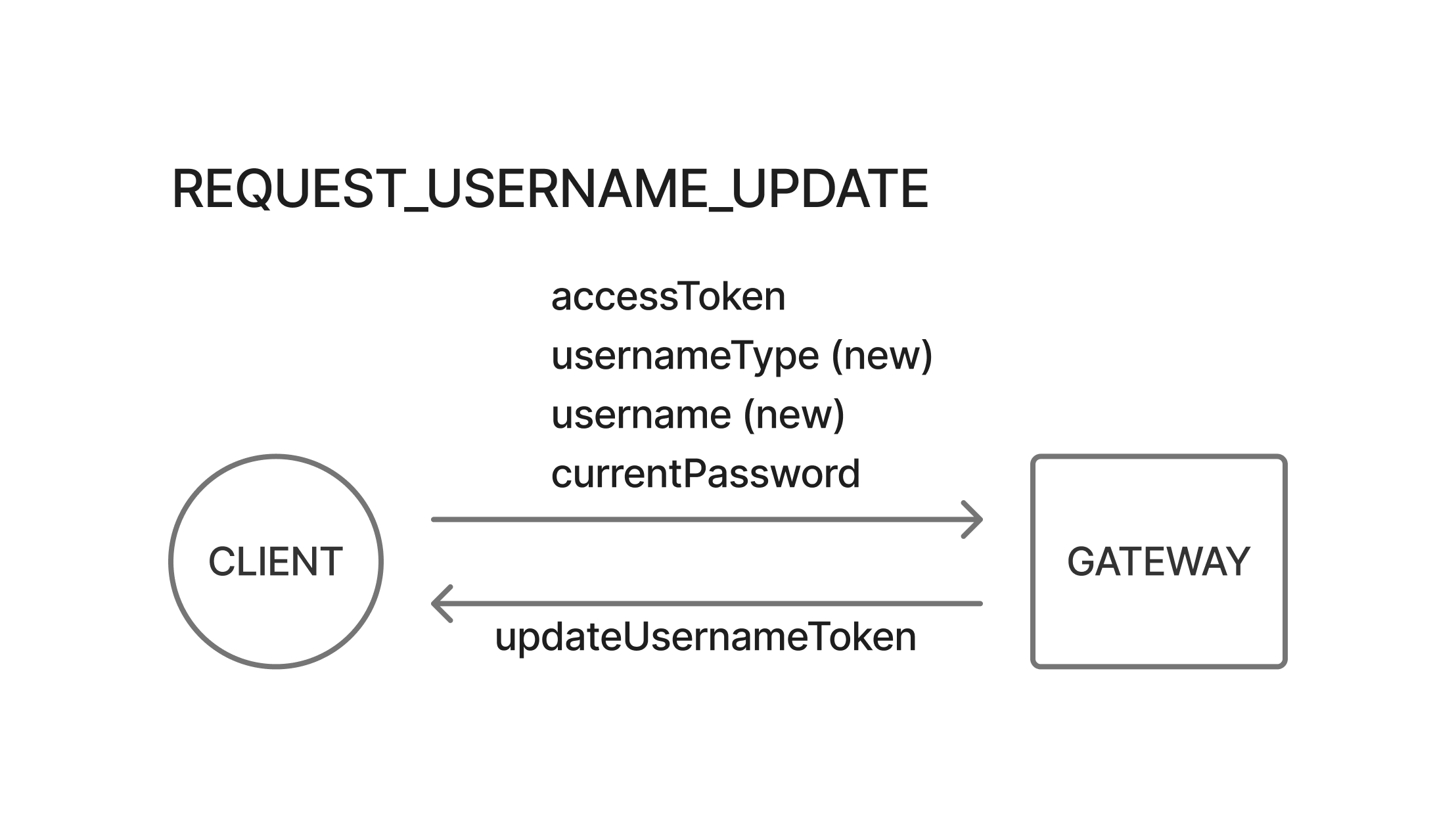
REQUEST_USERNAME_UPDATE→ Start the flow to update the username. -
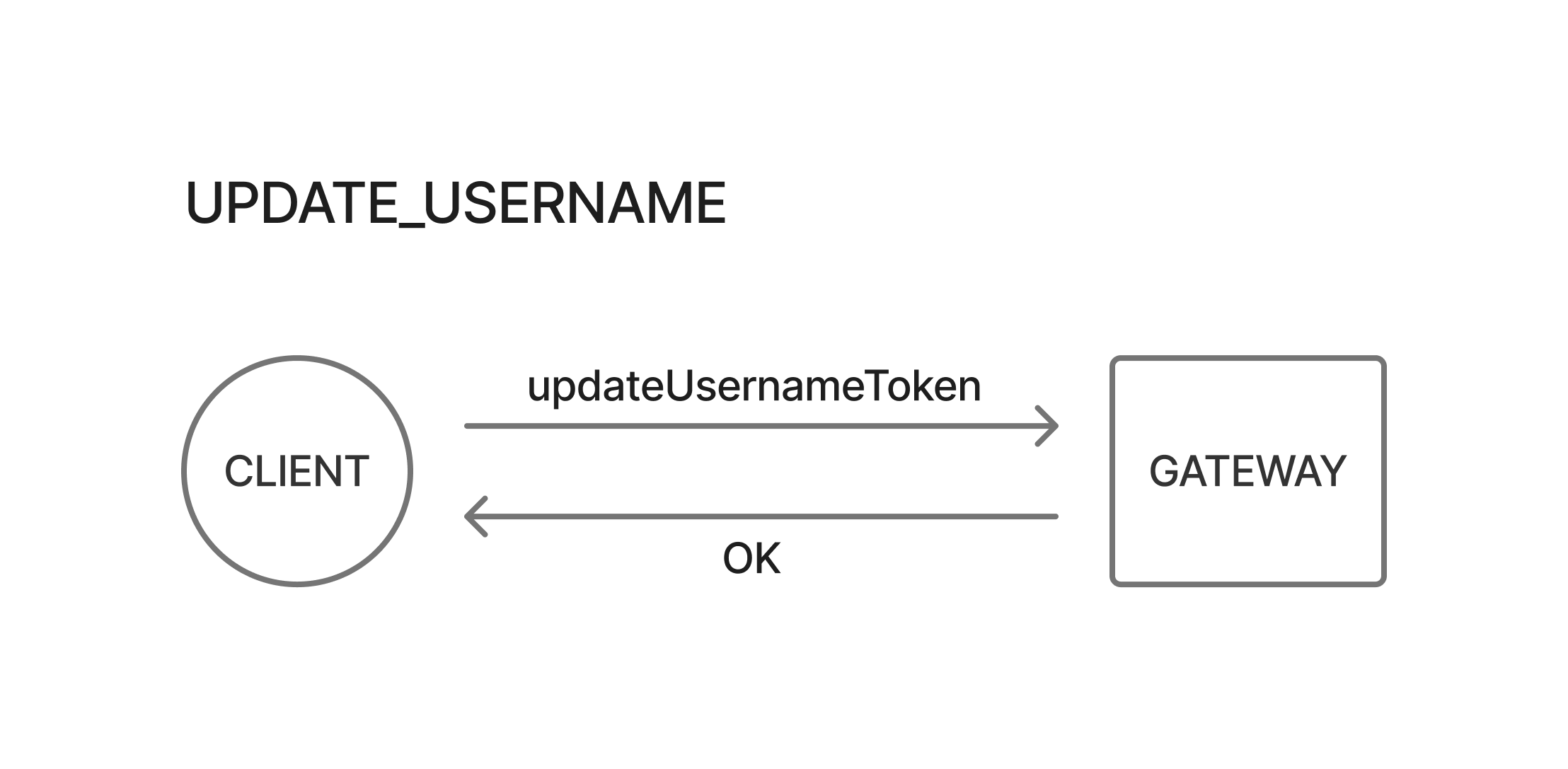
UPDATE_USERNAME→ Complete the username update.
Regular – General Flow
Regular – Get User Profile
Create User
Resend User Confirmation
Confirm User
Update User Data
Login
Login MFA
Logout
Refresh Token
Request User Delete
Delete User MFA
Check Authorization
Update Password
Request Password Reset
Check Password Reset
Reset Password
Request Username Update
Update Username
Updated about 1 month ago