
Request Password Reset
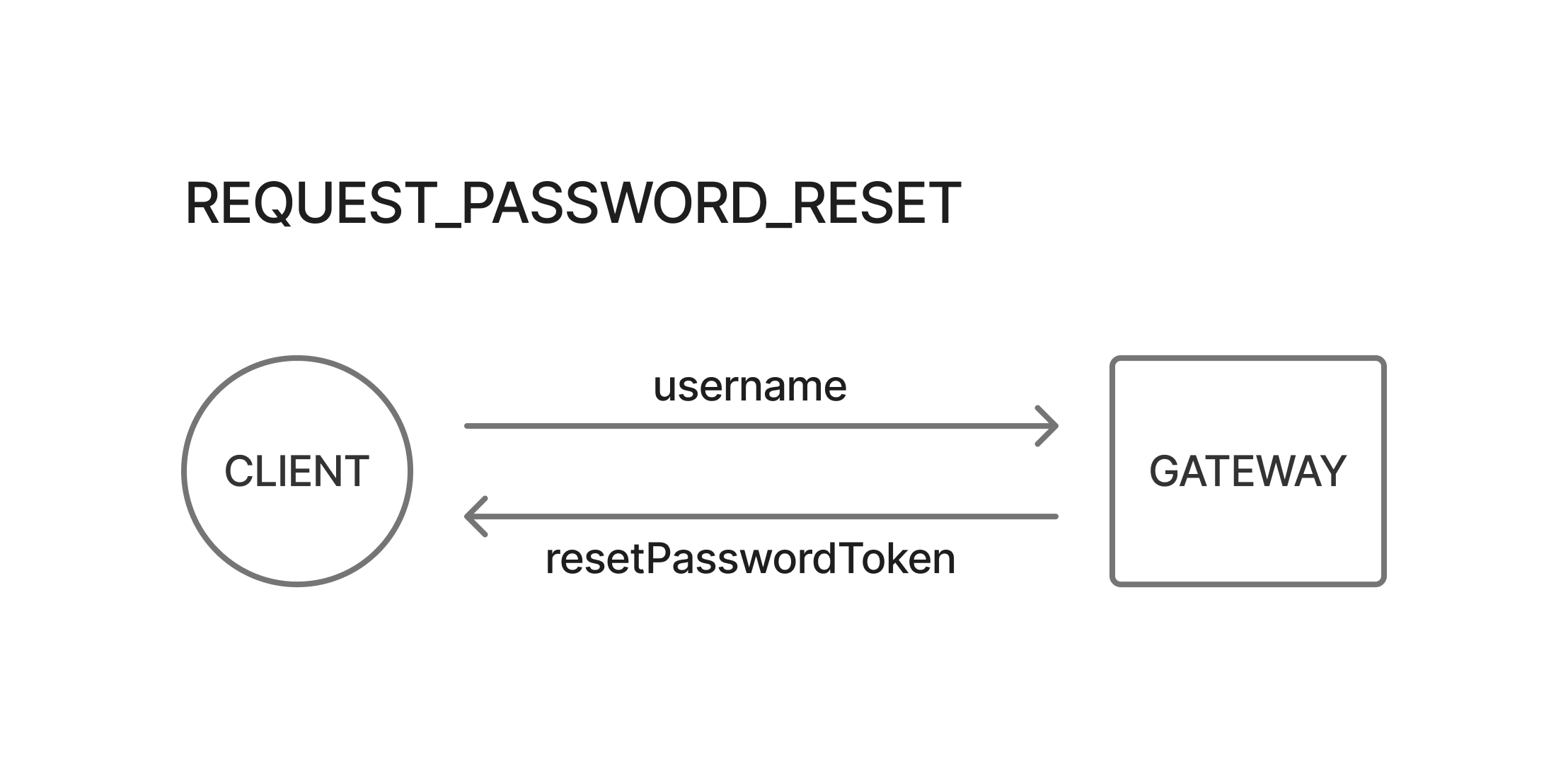
Start the password reset flow.
Prerequisites
- Before calling this API, ensure you have created and activated a Tenant whose
appIdmatches theApp-Idheader of this request. The correctappIdvalue can be retrieved from theTenantResourcereturned by the Dashboard API. - You must also have created and activated a
REQUEST_PASSWORD_RESETtype Route whoseappRouteIdmatches theApp-Route-Idheader, and whose HTTPmethodandpathmatch those of this request. The correctappRouteIdvalue can be retrieved from theRouteResourcereturned by the Dashboard API.
Base URL
https://your-gateway-hostRequired Headers
App-Id: app-xxxxxxxx
App-Key: key-xxxxxxxx
App-Route-Id: route-xxxxxxxx

Content-Type: application/json
Method and Path
Use the HTTP method and path specified in the activeConfig field of the Route.
Request Body
{
  "username" : "username"
}
Response 200 OK
{
    "resetPasswordToken": "resetPasswordToken"
}The returned
resetPasswordTokenmust be used with the Check Password Reset and Reset Password APIs to complete the password reset:
- The Check Password Reset step is optional.
- The Reset Password step is mandatory to complete the operation.
You can use the token immediately or send it to the user, for example by email as part of a confirmation link, so they can complete the operation themselves.
Request Flow
Updated about 1 month ago
Did this page help you?