
Logout
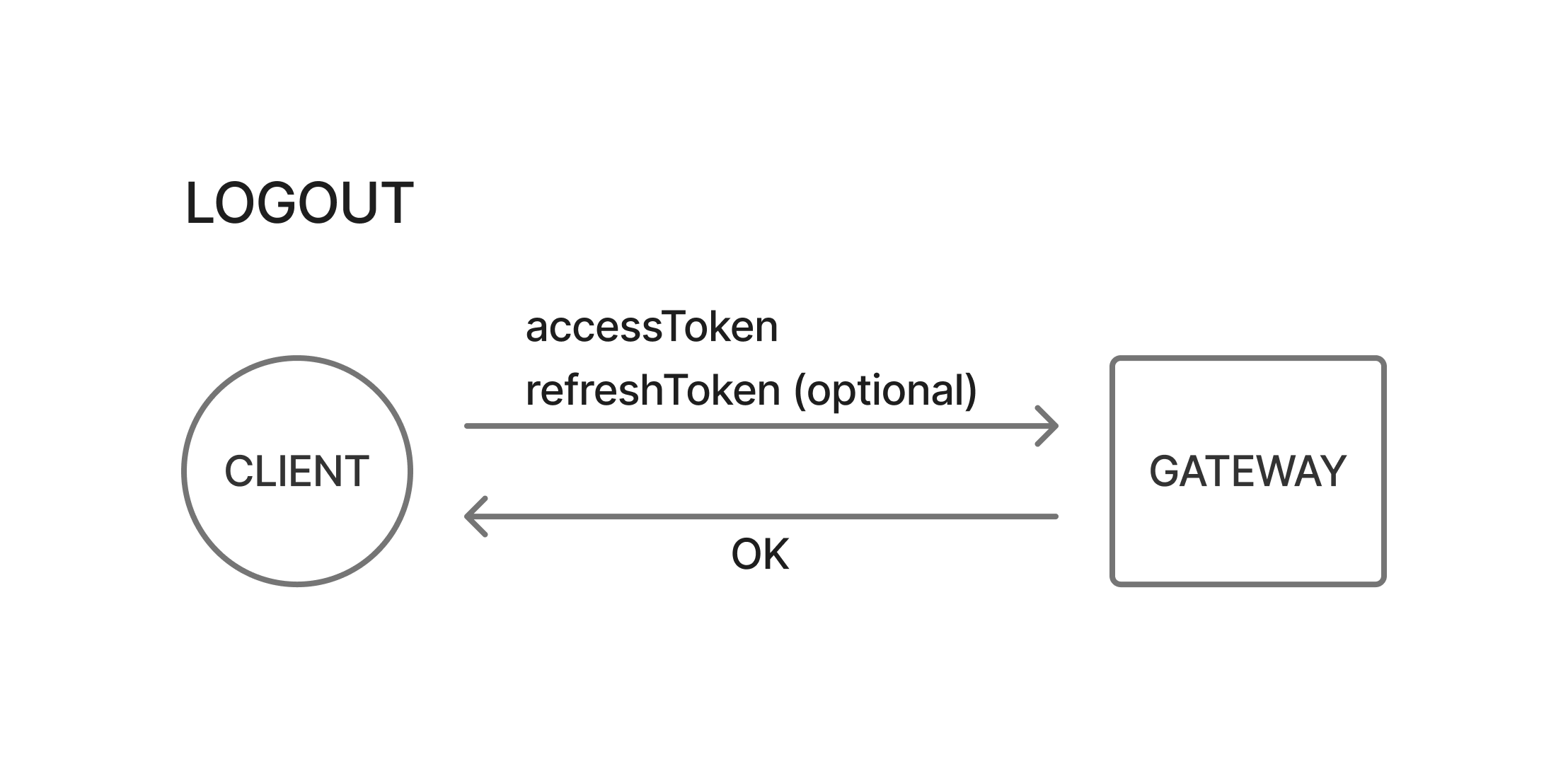
Revoke the access token, refresh token, or both.
This API can only be called if you set the configuration field
TenantConfig.auth.jwt.tokenRevocation
Prerequisites
- Before calling this API, ensure you have created and activated a Tenant whose
appIdmatches theApp-Idheader of this request. The correctappIdvalue can be retrieved from theTenantResourcereturned by the Dashboard API. - You must also have created and activated a
LOGOUTtype Route whoseappRouteIdmatches theApp-Route-Idheader, and whose HTTPmethodandpathmatch those of this request. The correctappRouteIdvalue can be retrieved from theRouteResourcereturned by the Dashboard API.
Base URL
https://your-gateway-hostRequired Headers
App-Id: app-xxxxxxxx
App-Key: key-xxxxxxxx
App-Route-Id: route-xxxxxxxx

Content-Type: application/json
Method and Path
Use the HTTP method and path specified in the activeConfig field of the Route.
Request Body
The fields required in the request body depend on the tenant configuration.
TenantConfig.auth.jwt.tokenRevocation = ACCESS
{
  "accessToken" : "accessToken"
}
TenantConfig.auth.jwt.tokenRevocation = REFRESH
{
  "refreshToken" : "refreshToken"
}
TenantConfig.auth.jwt.tokenRevocation = ACCESS_REFRESH
{
  "accessToken" : "accessToken",
  "refreshToken" : "refreshToken"
}
Response 200 OK
If the operation is successful, an HTTP 200 OK response is returned.
Request Flow
Updated about 1 month ago
Did this page help you?